Skip to content

Preview CUBE4COLOR is in preparation. Content and prices may still change.

CUBE4COLOR
Log in Book
Menu
04Exhibitions

03 — Open calls

You write the open call like a document

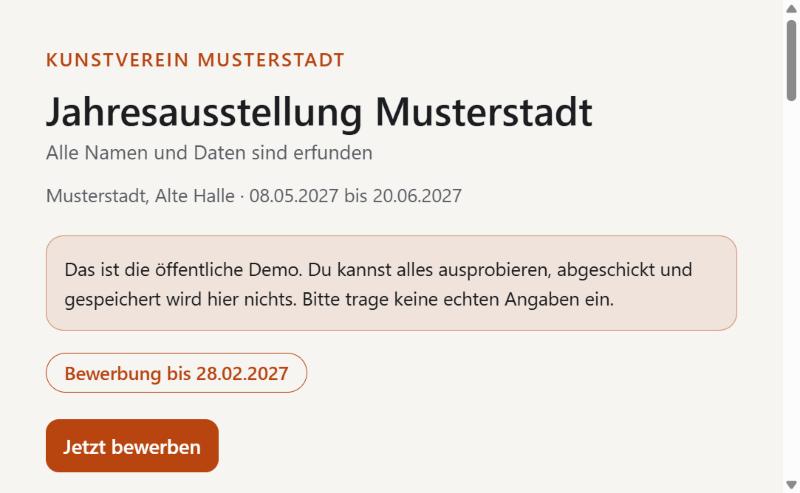
The public page of an open call with the deadline and the Apply now button

One

Write

Right on the page that applicants see. 13 templates help you get started.
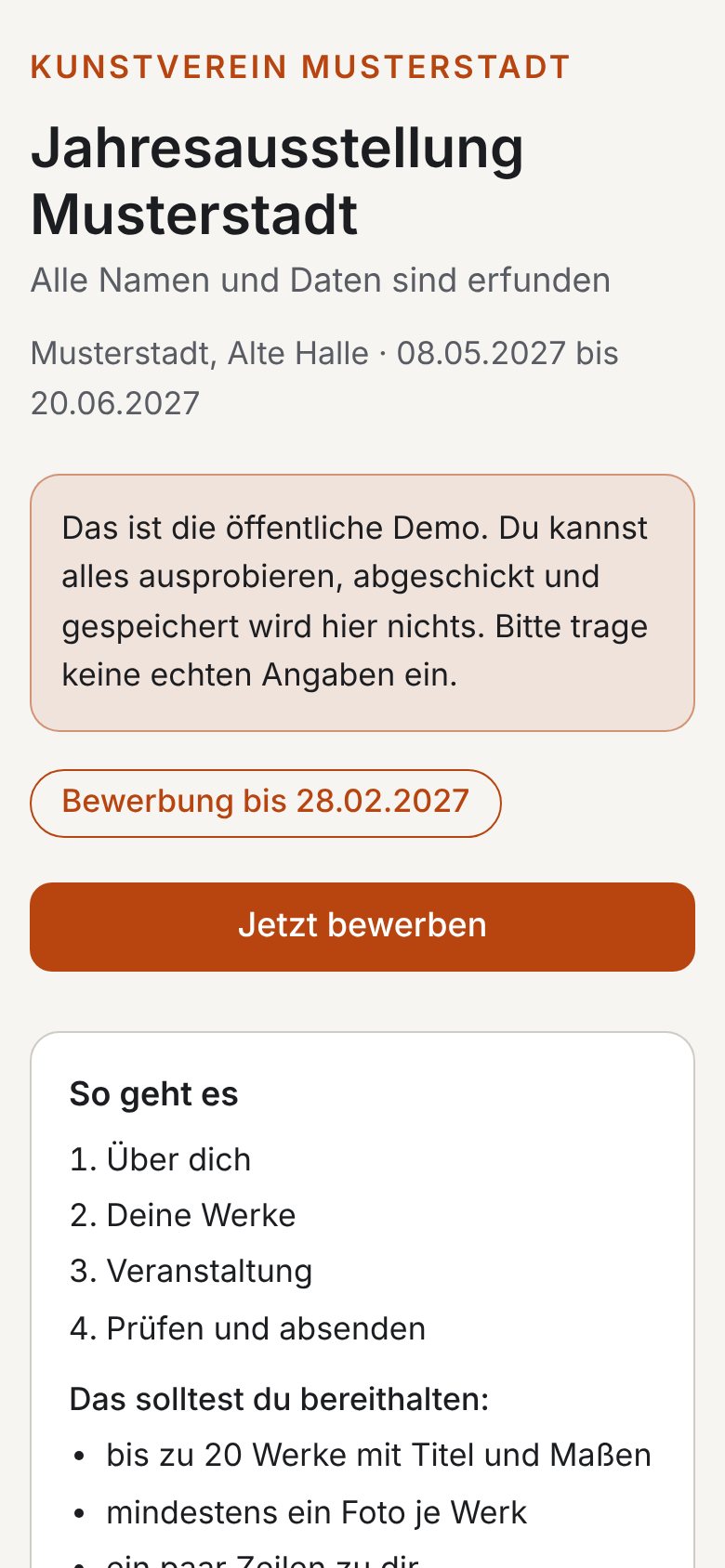
The open call on a phone

Two

Take applications

No account and no instructions needed, even on a phone. The benchmark: a 70-year-old member can do it alone.
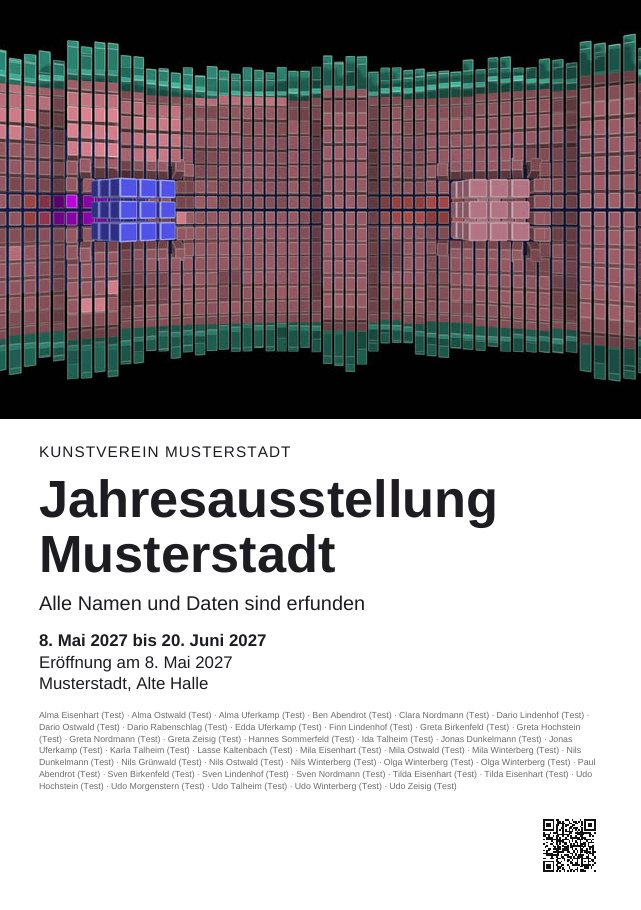
A finished flyer for the exhibition

Three

Spread the word

Link, QR code, graphics in every format and a posting plan for social media.

Everything the open call and the form can do
  • Import an existing open call from a Word file
  • Bring in earlier applications from Excel
  • For film and digital works: how a work is to be shown is already in the application
  • 29 ready-made text blocks, colour-coded and movable
  • A date in the text stays correct on its own
  • The form on the same page, with your own questions
  • Photos of the venue and a PDF at the very top
  • Informal or formal German, the form also in English, with logo and brand colour
  • Entries stay on the device, even if the connection drops for a moment
  • Location data is removed from photos
  • An edit link instead of retyping everything
  • Fee via QR code straight into the banking app
  • Extended deadline for individuals
  • Questions and answers below the open call